
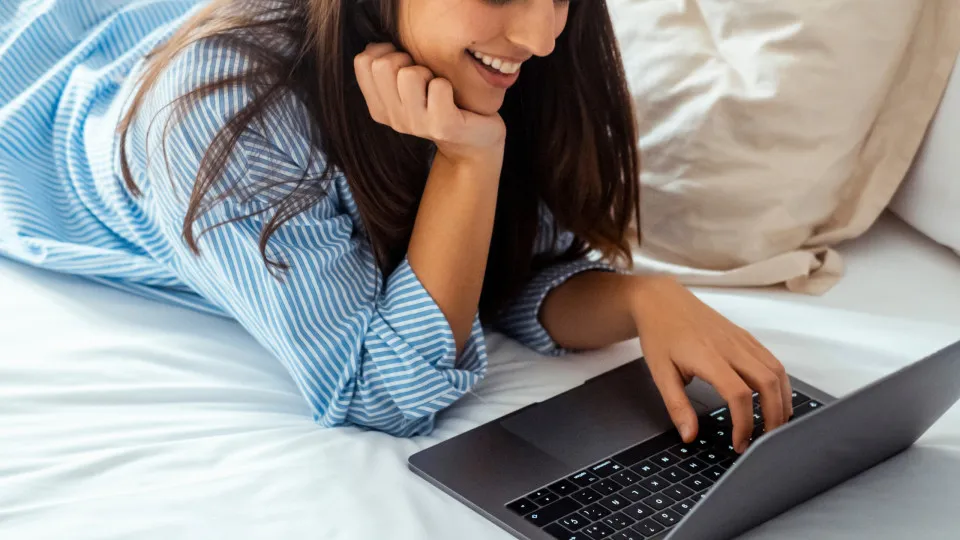
Although they offer advantages through increased mobility, laptops usually have problems controlling internal temperature. To do so, it is necessary to adopt some practices to keep the equipment cooler.
© Shutterstock
16/11/2026
by
A great virtue of laptops in relation to desktops is in practical form with which they can be transported wherever they want according to the need. On the other hand, this increased portability means in many cases that the laptop has more difficulty dissipating heat.
This is a problem that we do not see so sharply in the towers, with the fans present facilitating the ventilation of these computers.
It is therefore important to find ways to cool laptops while you are using them, especially as a game or dedicated to more demanding tasks, such as video processing.
These ways of cooling laptops usually include purchasing accessories, but know that there are practices you can adopt to help keep the inside of your computer cooler and avoid unexpected closures resulting from overheating.
Below you can find some of our tips to manage to control the internal temperature of your computer and that, even though one or the other may require you to purchase a specific accessory, are options that will allow you to cool the equipment without having to make large investments.
5 ways to control the temperature of your laptop:
- Keep your laptop higher, purchased perhaps an accessory suitable for this purpose and that does not obstruct air outlets;
- Do not land your laptop on certain surfaces – such as cushions, sofas, sheets or mattresses – that may hinder heat dissipation;
- Choose to use your laptop in airy areas and, however tempting, do not use it outdoors on sunny days with too much heat;
- Keep your computer clean, often removing the dust accumulated in the vents;
- Optimize your computer software and control, for example, the number of applications or programs that are started automatically as soon as you turn on your laptop.