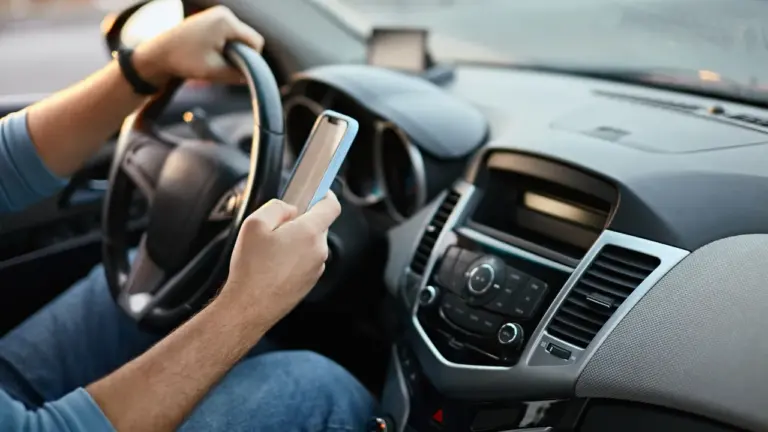
If you're used to being distracted by your phone while driving, know that Android phones and iPhone are equipped with specially thought-out modes to help you focus on your travels.
© Shutterstock
28/11/2026
by
A life does not stop and for many it can be difficult to stay away from the phone for some time and not read all the messages and emails received – whether from friends, family or coworkers.
This reality becomes a little more sensitive when we talk about certain situations, such as driving by car – an activity that requires all the attention, not only for the driver but also for the other occupants.
If you have difficulty concentrating and diverting attention from your mobile phone, there is a mode suitable for these situations that can activate both on your iPhone and Android phones. If you don't know how to activate this mode on both operating systems, let's help you know how to do it with explanations for each of them.
Without further delay, learn below how you can activate driving mode on your phone.
On Android:
- Go to the ace Definitions android;
- Click Modes;
- Enter into Driving;
- Press the button Configure Driving;
- In this area you can choose whether the mode is activated when movement is detected and via Bluetooth or only by this wireless connection;
- You can then choose to block all notifications or create exceptions for contacts, certain apps and alarms and other interruptions (such as alarms, multimedia sounds, reminders or calendar events);
- There is also the option to customize screen settings and you can choose to keep the screen dark, only darken the background image, or switch the screen to black and white;
- When you customize Driving mode to your liking, you can then press the button Activate now near the top of the screen.
On iPhone:
- Go to the ace Definitions the iPhone;
- Prima Concentration;
- Mode case Drive is not available, press signal + and tap this option;
- Tap Automatic response and then select if you want people trying to contact you to receive an automatic response;
- If you want to edit the message, you can customize it;
- In Autoactivate, touch Driving and select when this mode should be activated;
- You can choose to activate the mode when the iPhone detects that it may be driving when Bluetooth connects to the car when CarPlay is activated or manually.