
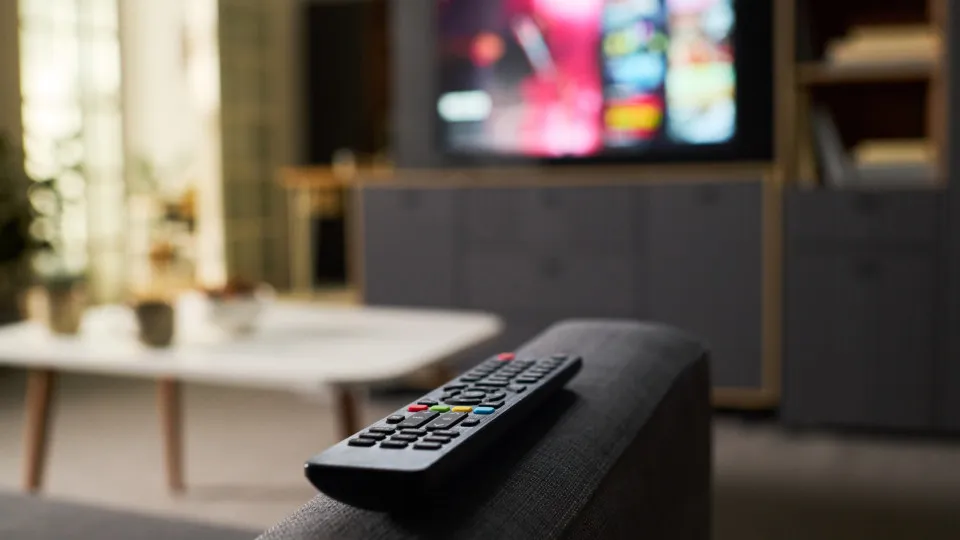
It is natural that, after some time of use, television begins to display signs of slowing down. Fortunately, there are some solutions you can apply to prevent performance from suffering.
© Shutterstock
28/10/2026
by
Sand already has an intelligent television is likely to know that they are among the most useful devices with regard to entertainment. By relying on your own app store, users can access streaming services and many other apps directly via the screen.
Despite its usefulness, you may notice after some time of use that television has had a worse performance, with notorious slowdowns while browsing the menu or app openings getting slower.
It is important then to have some care while using your smart television, trying to apply some of the tips suggested by techAll site to keep your equipment in good shape.
You can find below some tips to keep your television with good performance and no slowing down or behaviour below what you deserve.
The 6 tips you need to keep your TV fast:
- Restart television to interrupt processes that are taking place in the background;
- If possible, clear the cache and application data;
- Uninstall applications you do not use to free up space in TV storage;
- Keep the television operating system properly updated as well as the applications you use;
- Reduce the physical obstacles that exist between television and the router to improve the quality of the Wi-Fi connection;
- If TV doesn't receive any more updates, consider buying a streaming device to improve the quality of the experience.